EN
EN FR
FR NL
NL SV
SV NO
NO DA
DA FI
FI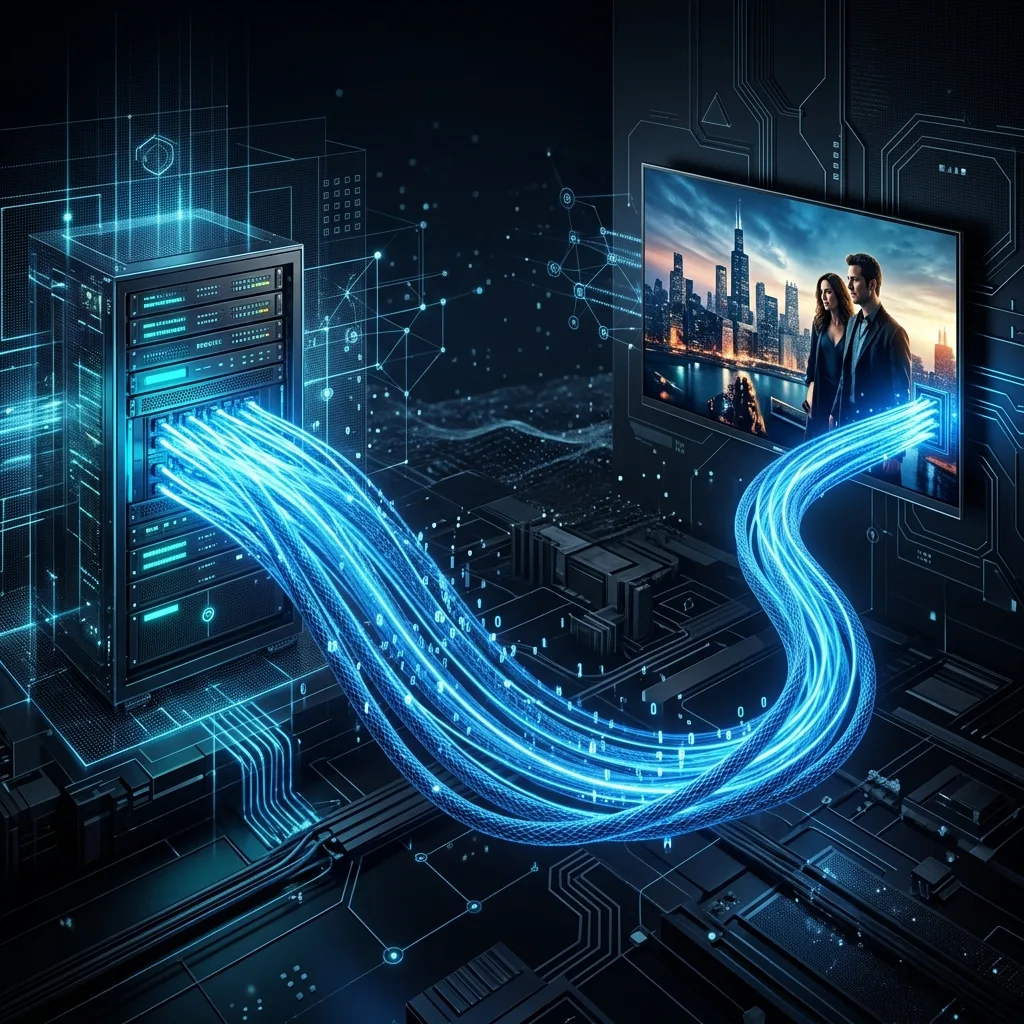
The Simple Explanation: TV Through Your Internet Connection
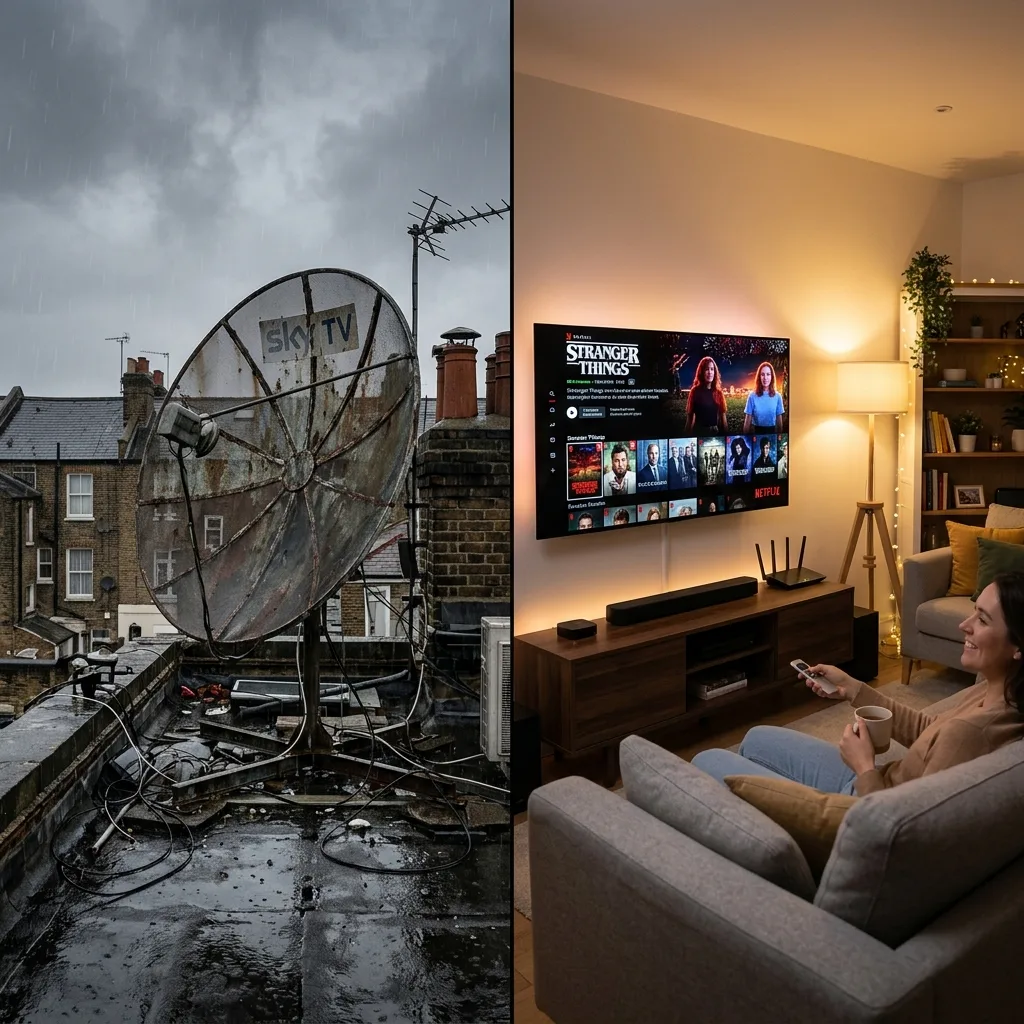
Traditional television works by broadcasting signals through the air (terrestrial TV), along a physical cable (cable TV), or from satellites orbiting the earth (satellite TV). Each of these methods requires dedicated hardware — an aerial, a cable box, or a satellite dish — to receive and decode the signal.
IPTV works differently. Instead of using a dedicated broadcast infrastructure, it delivers television content as data packets over your existing internet connection. This is the same method used to stream music, browse the web, or make video calls — just applied to live and on-demand video content.
How IPTV Actually Works: The Technical Process
When you watch an IPTV stream, a series of processes happen behind the scenes:
1. Content Acquisition
The IPTV provider acquires broadcast rights or licences for the channels and content they offer. This content is received at their data centres from broadcasters around the world via satellite feeds, fibre connections, or direct content partnerships.
2. Encoding and Compression
The video content is encoded into a digital format using codecs such as H.264 or H.265 (HEVC). H.265 is particularly efficient, enabling high-quality 4K video to be streamed using less bandwidth than older formats.
3. Server Infrastructure
Encoded streams are hosted on powerful servers strategically located in data centres around the world. A well-designed IPTV infrastructure uses Content Delivery Networks (CDNs) to ensure that content is served from a server geographically close to the viewer, reducing latency.
4. Delivery to Your Device
When you select a channel or title, your device sends a request to the IPTV server. The server begins streaming the content as a series of data packets directly to your device, which are decoded and displayed in real time.
5. Playback
Your device — Smart TV, Firestick, phone, or computer — uses a compatible player application to decode the stream and display it on your screen. This happens with a delay (buffer) of typically 1-5 seconds for live content.
Understanding IPTV Protocols: M3U, Xtream Codes, and MAG
IPTV services communicate with player applications using standardised protocols. Understanding these helps you set up your service correctly.
M3U Playlists
An M3U file is a simple text-based playlist format that lists the URLs of all available channels and content. When you add an M3U playlist URL to a compatible player application, it loads all available channels automatically. M3U is the most widely supported IPTV format, compatible with virtually every player application.
Xtream Codes API
Xtream Codes is a more sophisticated protocol that provides a structured API for accessing content. Instead of a static playlist, you authenticate with a username, password, and server URL. The player then fetches channel lists, EPG (Electronic Programme Guide) data, and VOD libraries dynamically. This is the preferred method for premium services as it enables features like catch-up TV and detailed EPG information.
MAG Portal
MAG boxes are dedicated set-top box devices designed for IPTV. They use a proprietary portal URL to authenticate and access content, offering a polished user interface optimised for television navigation with a remote control.
EPG: The Electronic Programme Guide
One of the key features of modern IPTV is the Electronic Programme Guide (EPG). Similar to the programme guide on your satellite or cable box, the EPG shows you what is currently on each channel and what is scheduled next. Premium IPTV services provide EPG data for all or most of their channels, making it easy to browse and plan your viewing.
IPTV vs Streaming Services: What's the Difference?
The terms are sometimes used interchangeably, but there are distinctions. Traditional IPTV as described above focuses primarily on live television channels — replicating the broadcast TV experience over the internet. Streaming services like Netflix or Disney+ focus on on-demand content with curated original productions. Premium services like FlexiraView combine both: thousands of live channels with a vast VOD library, giving you the best of both worlds.
What Devices Support IPTV?
One of the great advantages of IPTV is its device compatibility. The following devices and platforms support IPTV playback:
- Smart TVs: Samsung (Tizen), LG (webOS), Sony (Android TV), Philips (Android TV)
- Streaming sticks and boxes: Amazon Firestick, Fire TV Cube, Roku, Nvidia Shield, Apple TV
- Smartphones and tablets: All modern iOS and Android devices
- Computers: Windows and macOS via browser or desktop applications
- Dedicated IPTV hardware: MAG boxes, Formuler devices, Enigma2 satellite receivers
Frequently Asked Questions
Start Streaming with FlexiraView Today
40,000+ live channels via M3U, Xtream Codes, and MAG. Full 4K quality. Free 24-hour trial, no credit card required.
▷ Start Free Trial